
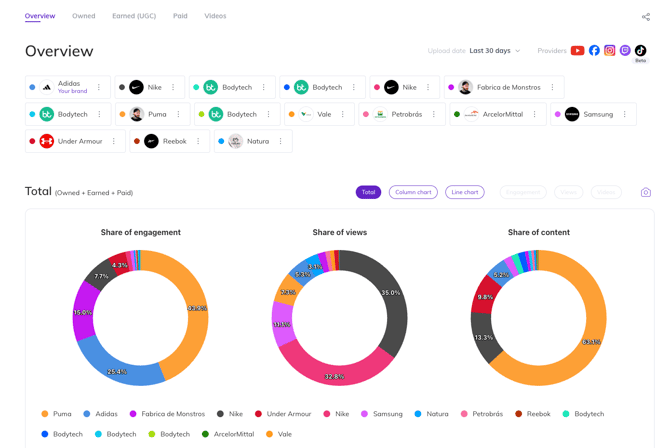
The Brand's Overview tab is your command center for competitive analysis, offering a comprehensive look at the qualitative and quantitative aspects of your market landscape.
Here, you can access essential data and metrics on your brand's performance, with the ability to segment by provider, time frame, engagement, viewership, sentiment, and more. The tab also provides video examples to give you an immediate qualitative understanding of what's currently driving cultural relevance.
Check how to set up your very own tab down below!
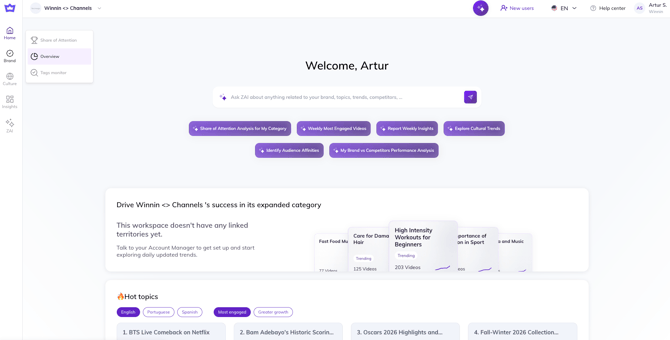
First, log in to Winnin Intelligence and go straight to the Overview tab under Brand;
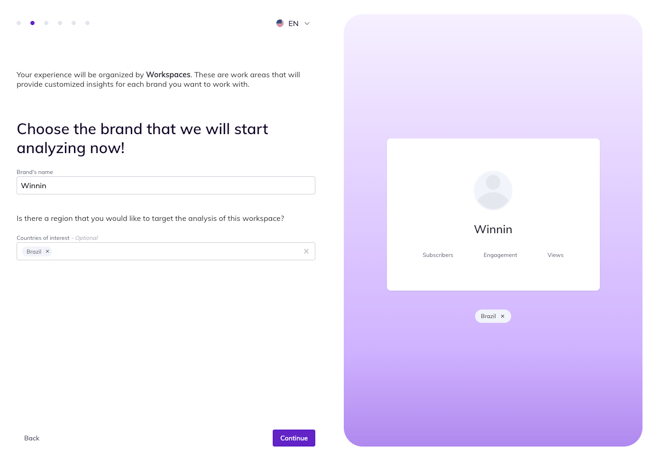 Once you've done that, type in your brand name and the market of interest;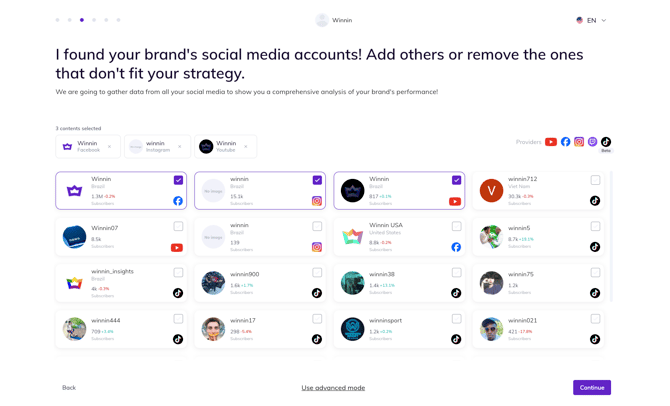
Next, select the proprietary platforms you wish to include.
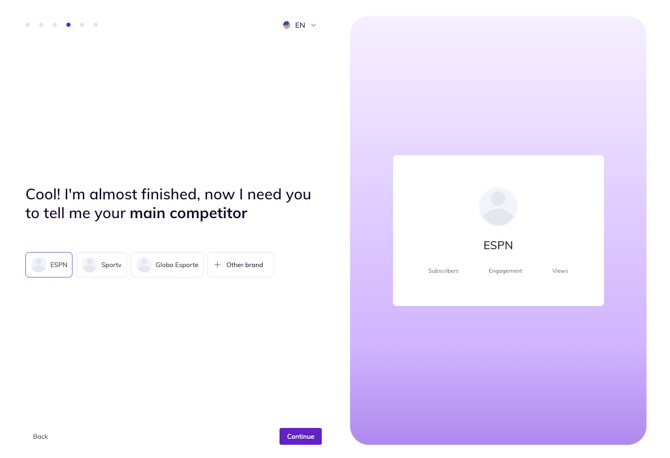
Finish by adding the competitive set. Now you're ready to go!