Overview
Compare is a powerful module that compares performance data from territories, brands, and content creators across different platforms, helping visualize trends and the cultural behavior of audiences.
Where to start?
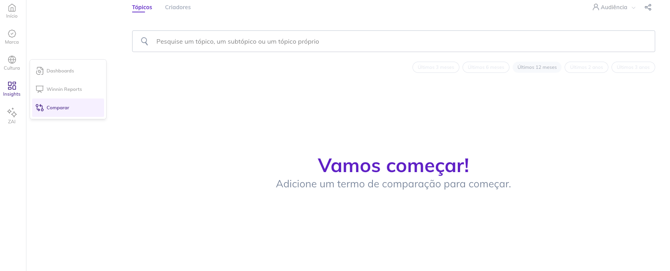
You can access Compare through the side menu by clicking directly on the feature as shown in the image below:
Step 1. Choose your analysis scope
By default, when entering the Compare module, the Topics tab will be active. To switch to Creators, simply select the tab next to it. Now let's understand the focus of each one:


💡 The comparison is always topic vs. topic or creator vs. creator. In the latter case, the creator comparison must always be done on the same platform. When selecting the platform of the first creator in the comparison, when searching for the second creator, only options on the same platform as the first one will appear.
Step 2. Select the topics/creators you want to compare
After typing the topic or creator you want, simply click on it to be added to the analysis.
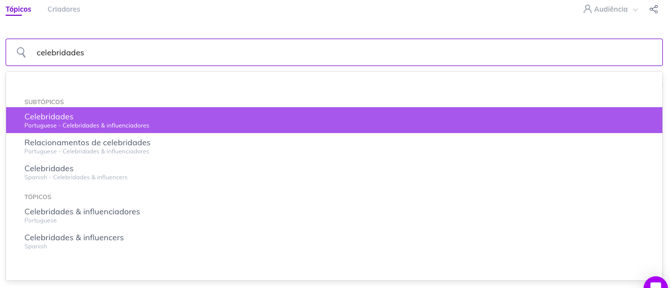
Then, repeat the same process with the other topics or creators you want to analyze. In the example, we are comparing the two subtopics Celebrities and Soap Operas:
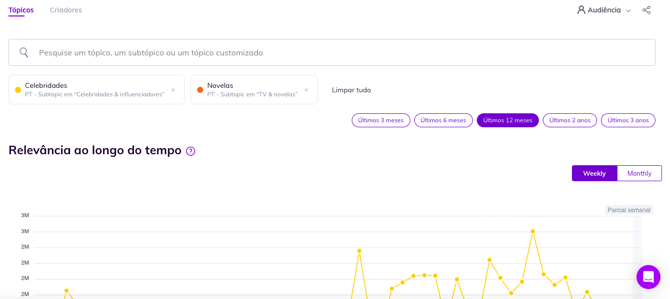
💡 You can compare up to 20 distinct items.
Step 3. Segment your analysis, if you wish
3.1 Filter by time period
Which time period do you want to compare? By default, the Last 12 months period will be selected. To change it, simply select one of the 5 preset options:

|
|
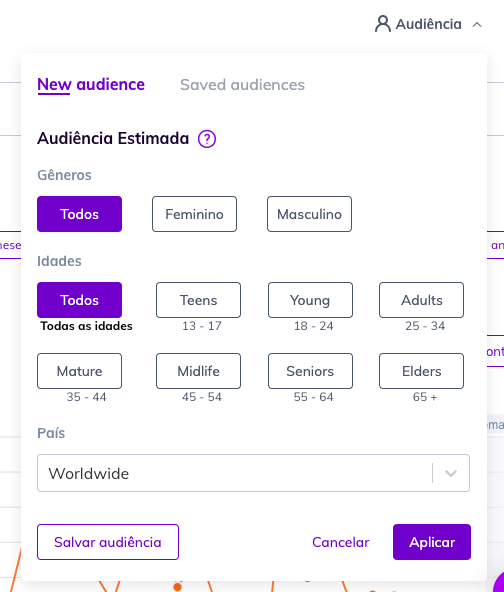
3.3 Segment by week or month (for Relevance in Topics only 🔎)


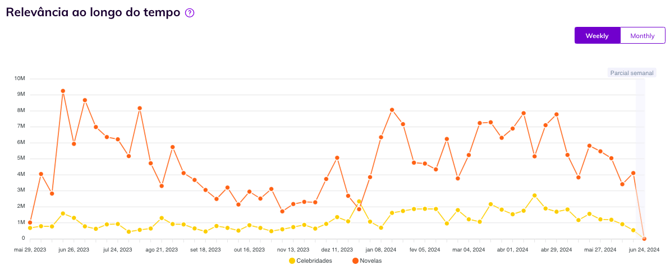
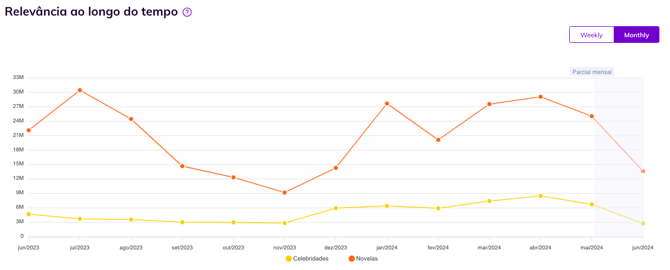
3.4 Segment by cumulative or month (for Performance in Creators only 🔎)

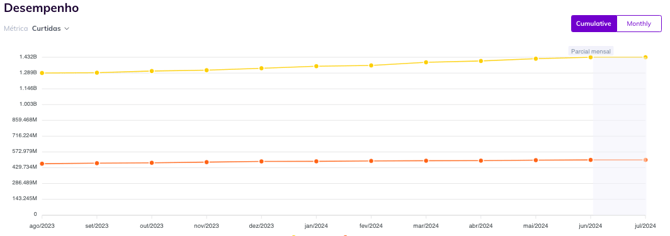
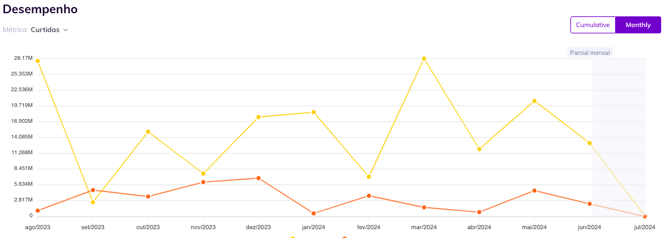
And that's it! Now just compare the differences graph by graph.
🌟 Bonus step.
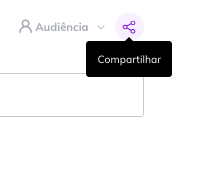
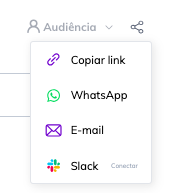
Share your analysis Click on the Share icon, located in the upper right corner of the screen next to the Audience filter. Then, select the sharing channel you want.